
Video2PPT Guide
How I Built Video2PPT: From a Fluid Mechanics Lab to a Product People Pay For
The founder story behind Video2PPT—why a grad student built a video-to-slide tool, what changed after the first payments, and what the product is today: web, desktop, and extension workflows for turning lectures and demos into slides.
This is the story of how Video2PPT started, and an honest look at what the product is today—not a frozen snapshot of an old promo page.
1. Trapped in the Silence of Academic Lectures
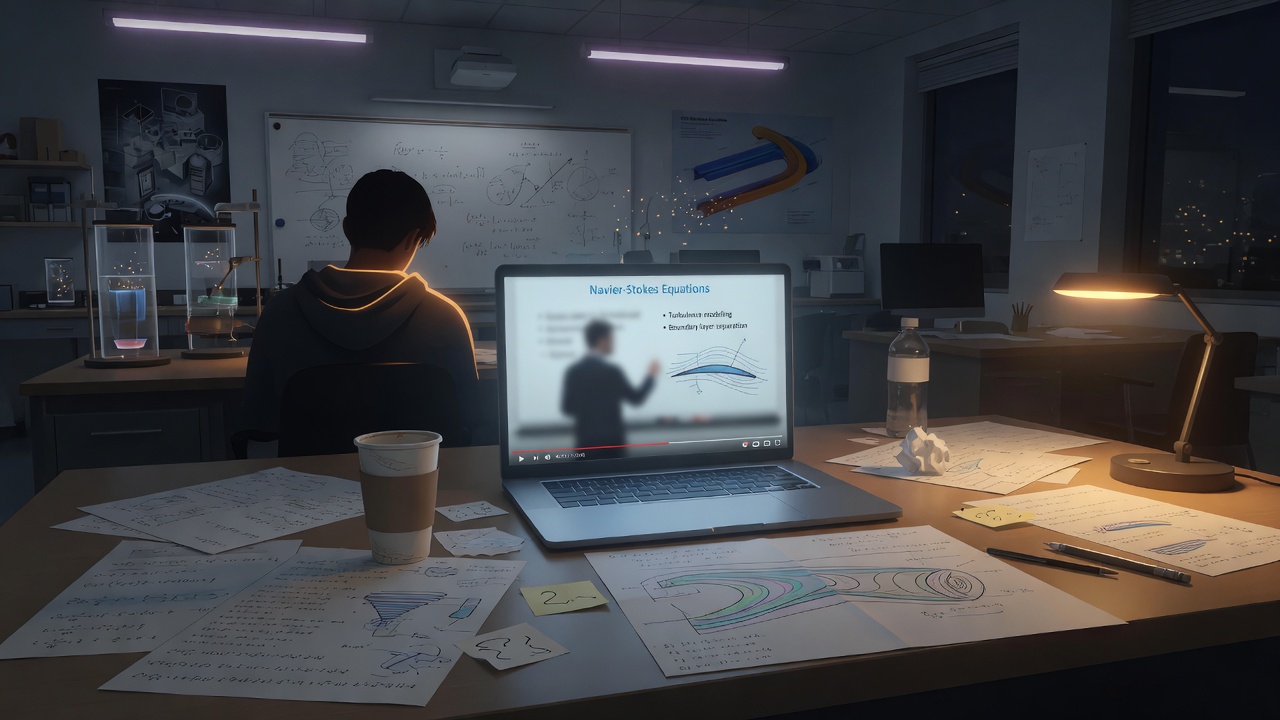
My story begins in a quiet Fluid Mechanics lab. As a graduate student, my life revolved around Navier-Stokes equations and numerical simulations. A tedious task from my supervisor changed my trajectory: recording and organizing academic webinars.
I spent hours staring at slides that crawled by one by one. Speakers rarely shared original PPT files, and platforms often blocked recording. I became a "digital laborer," waiting for every slide transition just to capture formulas and diagrams.
"Why, in this era of AI, am I still using such a primitive method to wait for a slide?"
That frustration became the seed of Video2PPT: a tool that could watch the screen for me and catch each page flip.
2. Coding with GPT: The 90-Day Grind
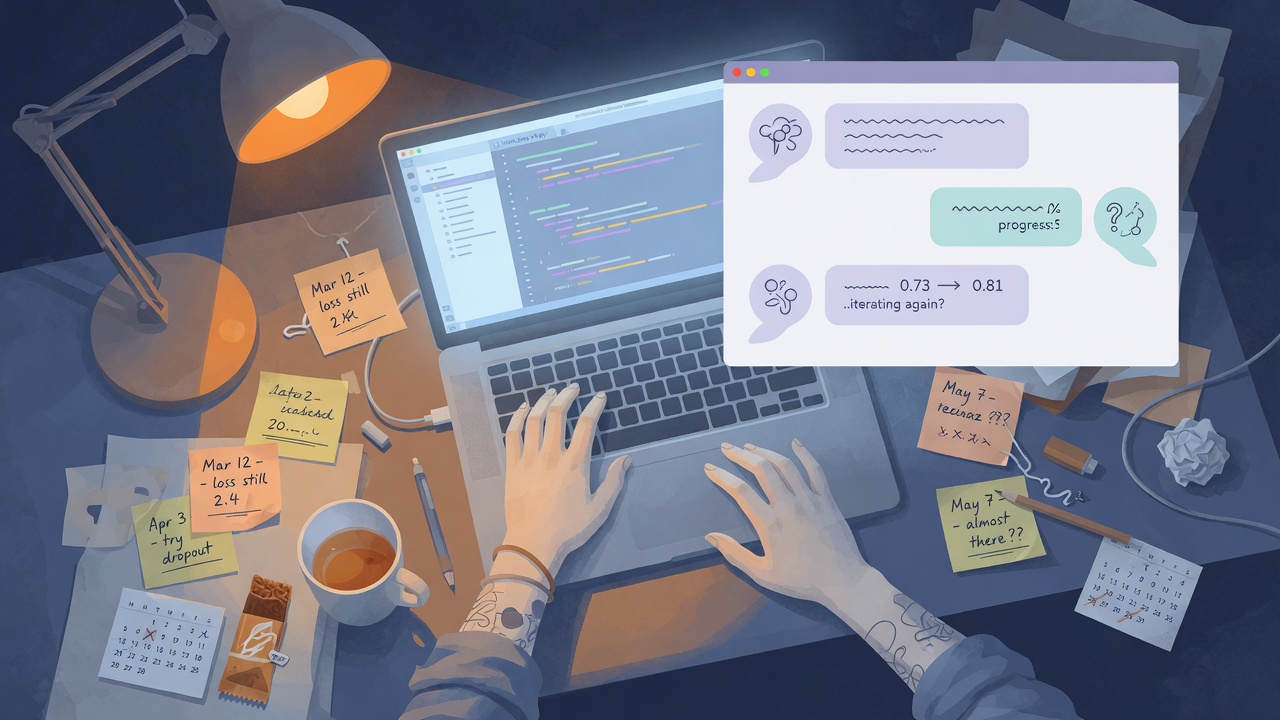
In April 2024 I wrote the first line of code—before daily coding with Cursor-style tools was normal. With no formal CS degree, my main partner was a chat window with GPT.
I built the first prototype with basic web tech. The loop was primitive:
- Ask AI for a draft
- Paste errors back for debugging
- Copy the result into the editor by hand
For about three months I lived in that cycle. While classmates talked turbulence, I was obsessed with image-matching and slide change detection. Eventually the prototype worked well enough to use on real lectures.
3. Beyond Code: The Mountain of Compliance
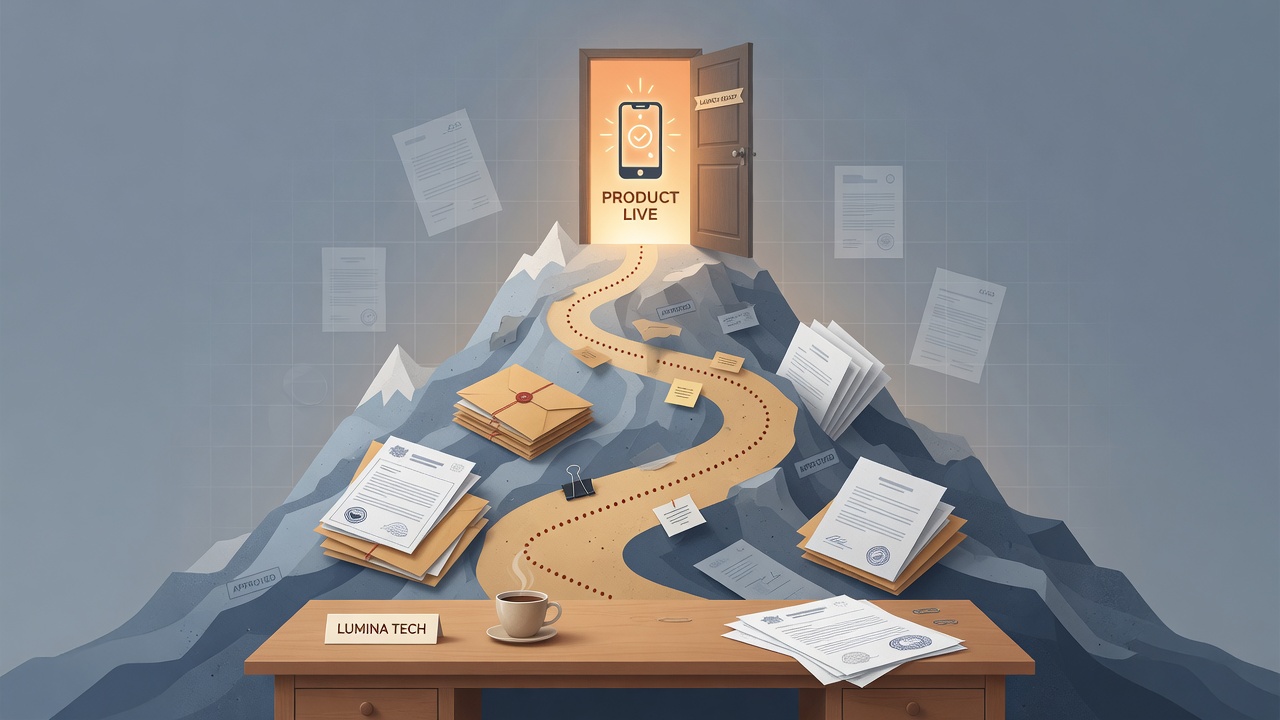
Shipping software turned out to be only half the job. To run Video2PPT legitimately in mainland China, I had to learn company registration, tax, domain, and ICP-style compliance work. Detours were constant. Without a legal foundation, the product would not survive long enough to help anyone.
4. The Turning Point: From $0 to the ByteDance Championship

Early promotion was hard. I shared the tool in academic groups for almost nothing and still got little traction. I even shelved the project for months.
Then I entered a ByteDance-hosted competition. Video2PPT won first place in the AI for Web Coding category and a 30,000 RMB prize. That win did not mean the product was finished—it meant the problem was real, and I had found a stage where people could see it. After open-sourcing early work on GitHub, the project earned stars and media attention, which bought me another chance to keep building.
5. The $5 From a British Doctor: Seeing the Dawn

In September 2025 I added a Stripe link mostly as a test. Features were still largely free. One morning a notification arrived: $5 from a doctor in the UK.
That small payment mattered more than the amount. Someone across the world paid for time saved. From then on I treated Video2PPT as a real product: pricing, reliability, export quality, and multi-surface workflows—not only a lab prototype.
6. What Video2PPT Is Today
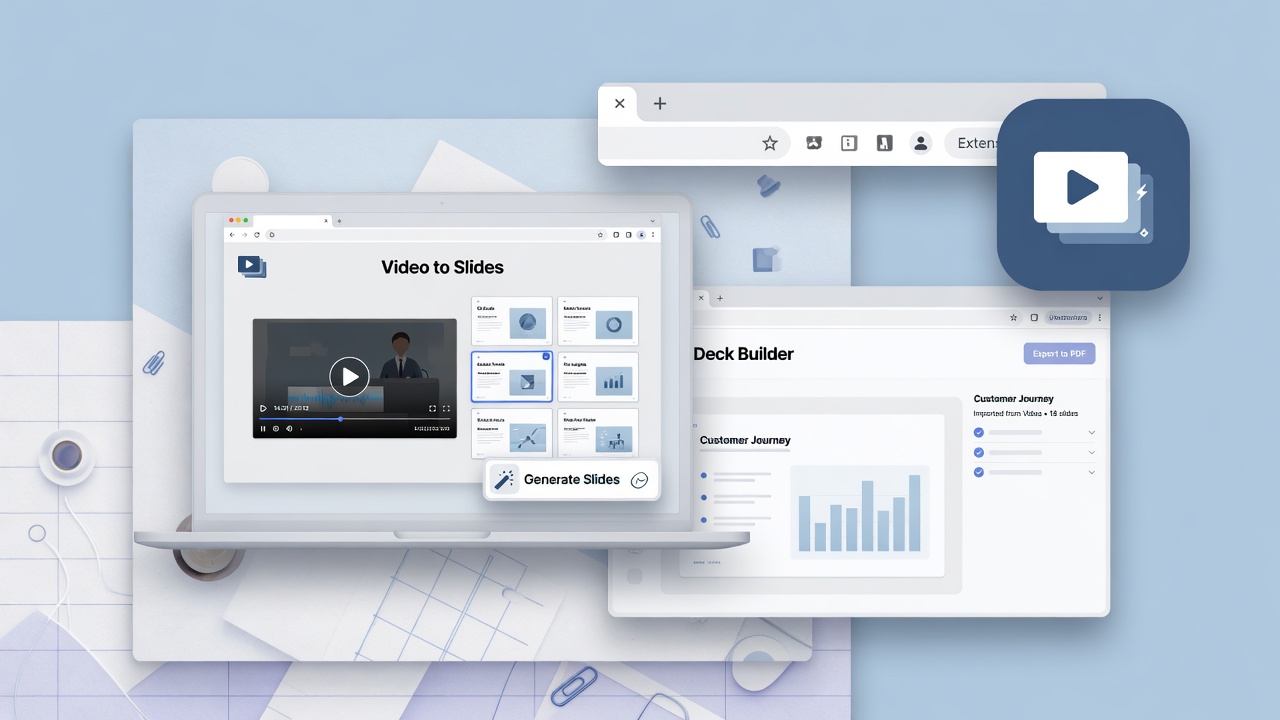
Video2PPT is no longer a single HTML experiment. It is a product people use to turn local videos, online links, and screen recordings into slide workspaces they can review and export.
What we focus on now:
- Capture what was on the video — keyframes and presentation-like pages, not a brand-new AI pitch deck from a one-line prompt
- Review before export — drop duplicates, keep the moments that matter
- Multiple entry points — web app, desktop install, and Chrome extension distribution as the product grows
- Clear free vs paid value — free for light trial; paid for higher quotas, cleaner exports, and professional workflows
We also publish honest category comparisons when people confuse tools:
- Video2PPT vs Govizle (closest video→document competitors)
- Video2PPT vs MagicSlides (extraction vs AI slide generation)
What we do not claim
- We do not promise that every hour-long lecture finishes in a fixed number of seconds on every device.
- We do not promise "100% perfect" recreation of every font and layout in every video.
- Speed and editability depend on source quality, length, device, and plan.
The product is useful when it saves you from manual screenshot labor—and when the export is good enough to share after a reasonable cleanup.
7. Pricing (current, not an expired flash sale)
Older versions of this page advertised a time-boxed $99 lifetime campaign. That campaign is over. Please ignore any screenshots or reposts that still mention a January 2026 deadline.
Current direction (always confirm on the live pricing section):
| Free | Pro | Lifetime | |
|---|---|---|---|
| Intent | Try the core flow | Ongoing professional use | Long-term / heavy use |
| Local video extraction | Available (limits depend on device memory) | Available | Available |
| Screen recording | Limited session length | Higher session length | Higher session length |
| Online video extraction | Limited monthly quota | Higher monthly quota | Higher quota / plan benefits |
| Watermark / editable export | Free-tier limits | Pro unlocks | Lifetime unlocks |
| Typical USD list (approx.) | $0 | about $10/mo or $69/yr | about $129 one-time |
Exact limits and currency (USD/CNY) change with plan configuration—use the pricing cards on the homepage as the source of truth.
8. Why I Still Build This
I did not start Video2PPT to invent another generic "AI presentation writer." I started it because the slides were already on the video, and nobody handed me the file.
If that is your problem—lectures, webinars, demos, internal trainings—start free on video2ppt.com, try a real file, and upgrade only if the workflow sticks.
If you want the longer product narrative without the hard sell: this page is the story. The product is the daily tool.