Tutorials for turning video sources into editable presentation material with Video2PPT.
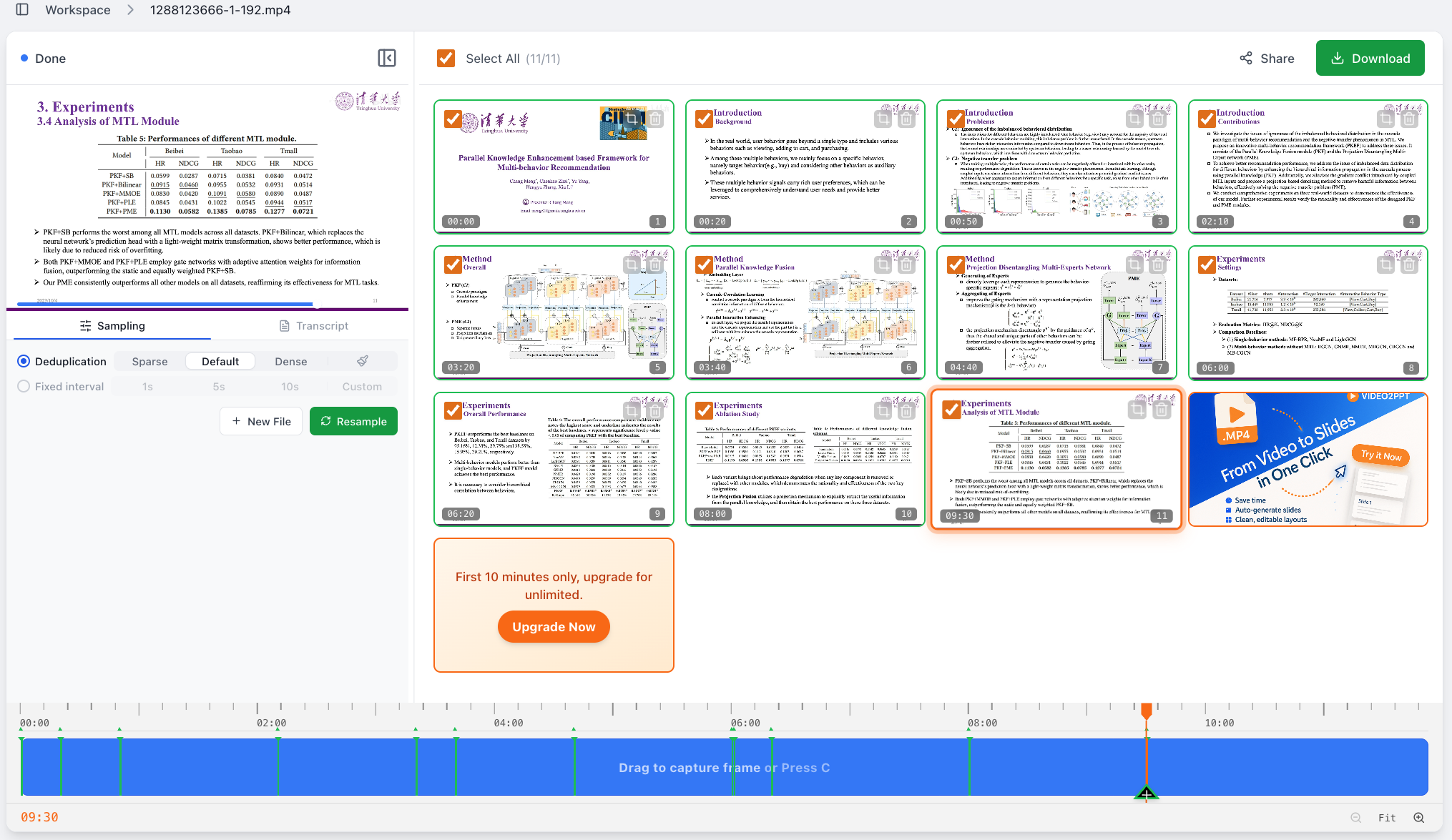
Upload a local course recording, lecture video, or meeting recording. Video2PPT extracts the slides from the video and turns them into an editable PowerPoint where you can revise text, charts, icons, and layout.
Read guide
How to Convert YouTube to Presentation: A Step-by-Step Guide
Read guideStop wasting hours on manual screenshots. Discover how Video2PPT uses AI to transform webinars and lectures into native, editable PPT files in under 60 seconds. Perfect for teachers, medical professionals, and business teams. Get 50% off Pro access until Jan 31, 2026.
Read guide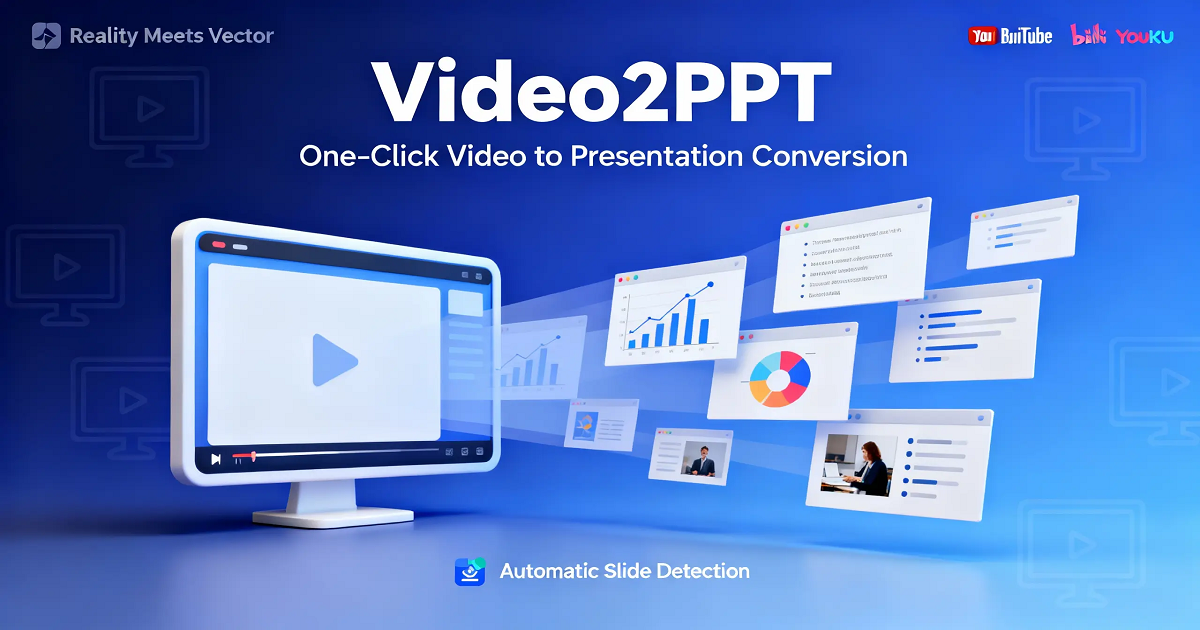
Replace `youtube` with `video2ppt` in a YouTube watch URL to jump straight into online slide extraction. Keep .com and watch parameters unchanged.
Read guide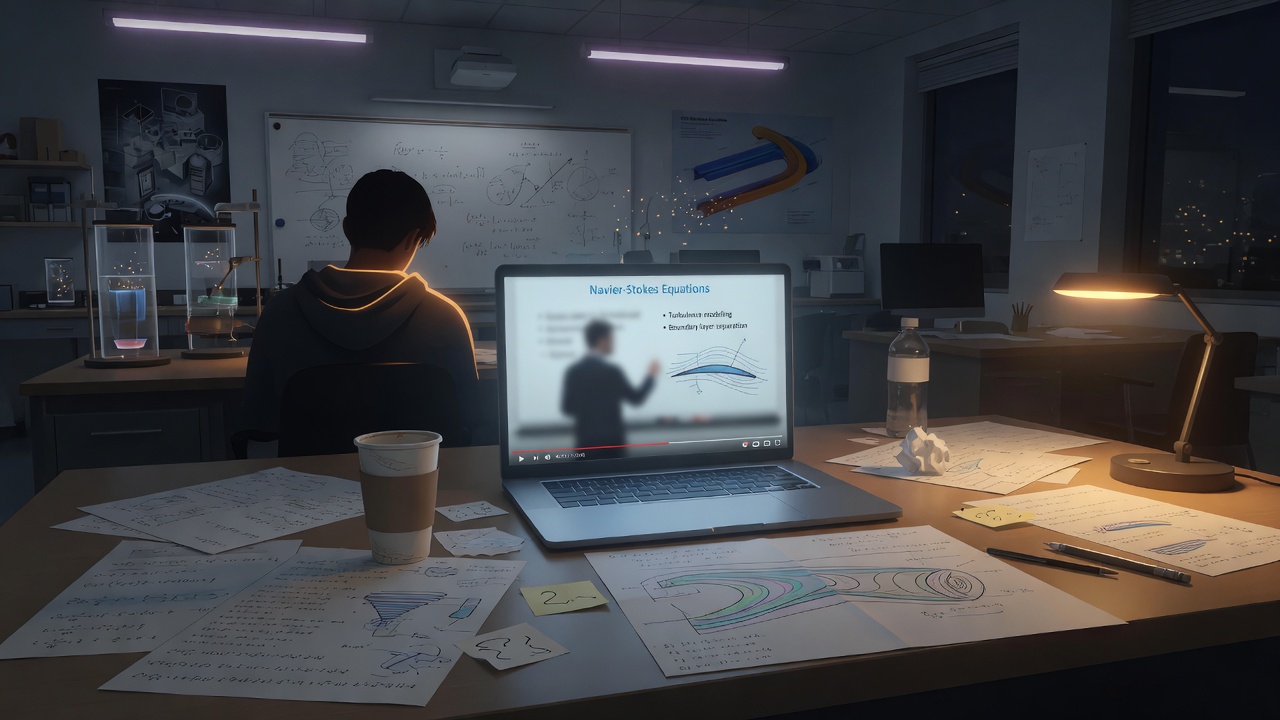
The founder story behind Video2PPT—why a grad student built a video-to-slide tool, what changed after the first payments, and what the product is today: web, desktop, and extension workflows for turning lectures and demos into slides.
Read guide
Video2PPT converts video to PowerPoint in seconds, offering fast, accurate slides, batch processing, and secure local data handling for professionals.
Read guideDiscover how Video2PPT handles local files, online links, and live meetings with real-time extraction. Learn why our browser-based recorder is the only invisible way to capture slides from Zoom or Teams. Get 50% off Lifetime access until Jan 31, 2026.
Read guide